






Tips for Organizing a Clutter-Free and Efficient Workspace at Home
Creating a clutter-free and efficient workspace at home can have a significant impact on your productivity and overall well-being. Whether you work remotely full-time or occasionally need a quiet spot to focus, a clean and organized area helps reduce distractions and makes it easier to stay on track. In this post, we’ll share practical tips to help you design and maintain a workspace that feels inviting and supports your work goals.
Why an Organized Workspace Matters
A cluttered desk can lead to wasted time searching for items, feeling overwhelmed, or losing focus. On the other hand, an organized workspace helps streamline your workflow, promotes clear thinking, and even reduces stress. When your environment is well-arranged, you’ll be able to concentrate better and complete tasks more efficiently.
Choosing the Right Location
Start by selecting the best spot in your home for your workspace.
Consider Natural Light
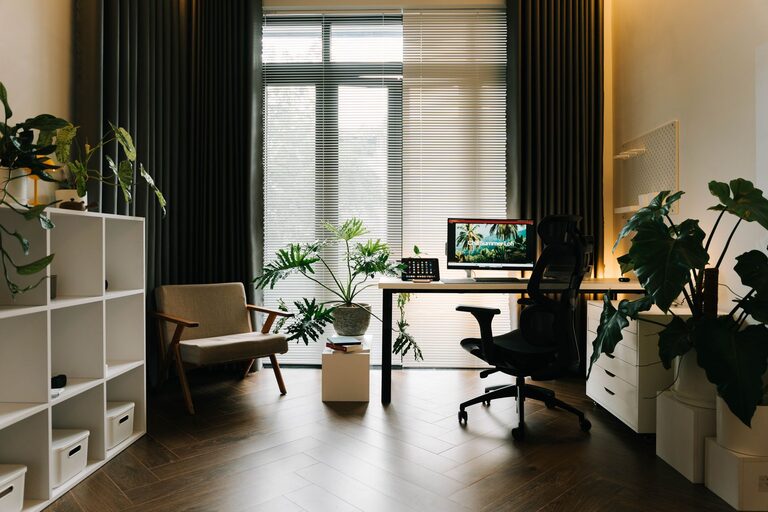
Try to set up near a window if possible. Natural light boosts mood and reduces eye strain.
Minimize Noise
Pick a quiet corner away from distractions like TV or kitchen noise. If that’s not possible, consider noise-cancelling headphones.
Space for Movement
Ensure there’s enough space for your chair to move comfortably and for any equipment you might need.
Decluttering Your Workspace
Before organizing, clear everything off your workspace and sort items into categories: essentials, non-essentials, and trash.
Keep Only What You Need
Limit visible items to daily-use tools like your computer, notebook, and pens.
Sort Papers Immediately
Use folders or trays to organize important documents. Create a routine to sort paper clutter regularly.
Organizing Tips for Efficiency
Use Storage Solutions
– Drawer Organizers: Keep small items like paperclips, sticky notes, and chargers neat.
– Shelves or Cabinets: Store books, files, and supplies within reach but out of sight.
– Cable Management: Use clips or sleeves to tame cords and prevent tangles.
Vertical Space Is Your Friend
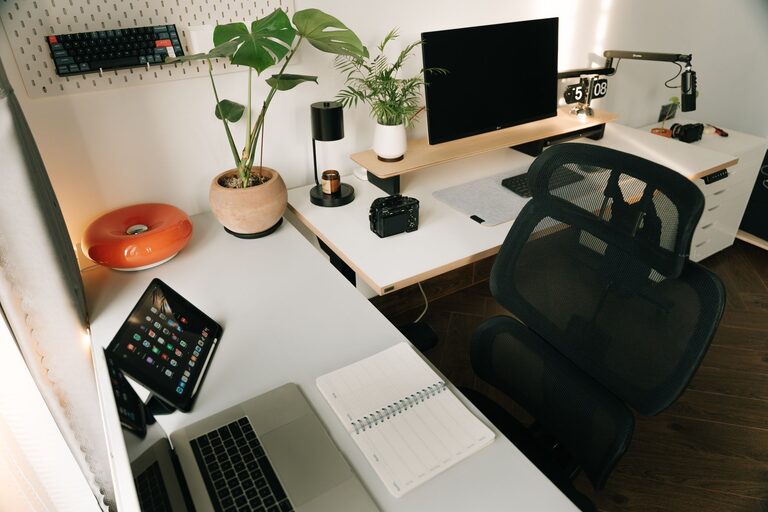
Install wall-mounted organizers or pegboards to keep things accessible without taking up desk space.
Label Everything
Labels help you find items quickly and encourage returning things to their designated spots.
Creating a Workflow-Friendly Layout
Arrange your workspace based on how you work.
– Place frequently used items close to hand.
– Keep rarely used supplies stored away.
– Set up your monitor at eye level to avoid neck strain.
– Ensure your chair supports good posture to stay comfortable during long work sessions.
Digital Organization
A clutter-free workspace isn’t just physical—it applies to your digital files too.
– Create folders for different projects.
– Regularly delete unnecessary files and emails.
– Use cloud storage for easy access and backup.
Maintaining Your Organized Workspace
Keeping your workspace tidy requires ongoing effort.
End-of-Day Clean Up
Spend a few minutes tidying your desk before you finish work to start fresh the next day.
Weekly Reviews
Do a deeper clean once a week: discard trash, file paperwork, and dust surfaces.
Adapt as Needed
Your work habits may change, so adjust your setup to fit new routines or tasks.
Adding Personal Touches
While keeping clutter low, personalize your workspace to make it enjoyable.
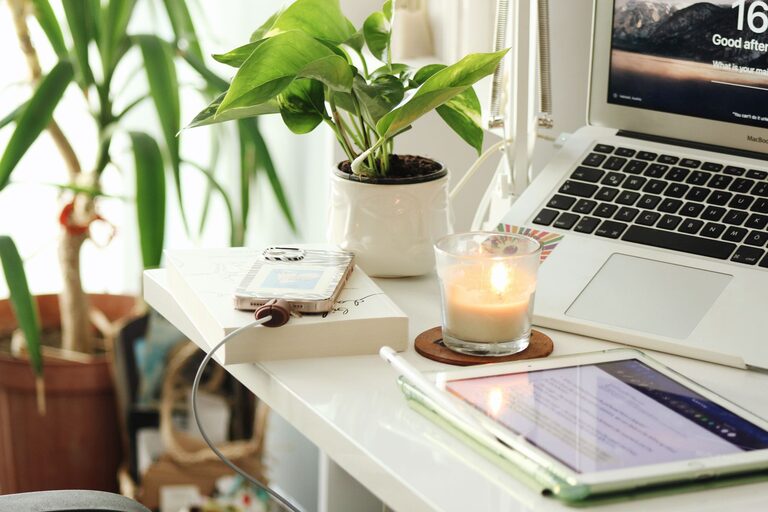
– Add a small plant for a touch of nature.
– Use artwork or photos to create a positive atmosphere.
– Choose colors and accessories that inspire you.
Final Thoughts
Organizing your home workspace is a continuous process but well worth the effort. A clean, efficient area can help you work smarter and feel more motivated. By choosing the right spot, decluttering regularly, using smart storage, and maintaining good habits, your home office can become a place you look forward to spending time in every day. Try these tips and enjoy the benefits of a clutter-free, productive workspace!