





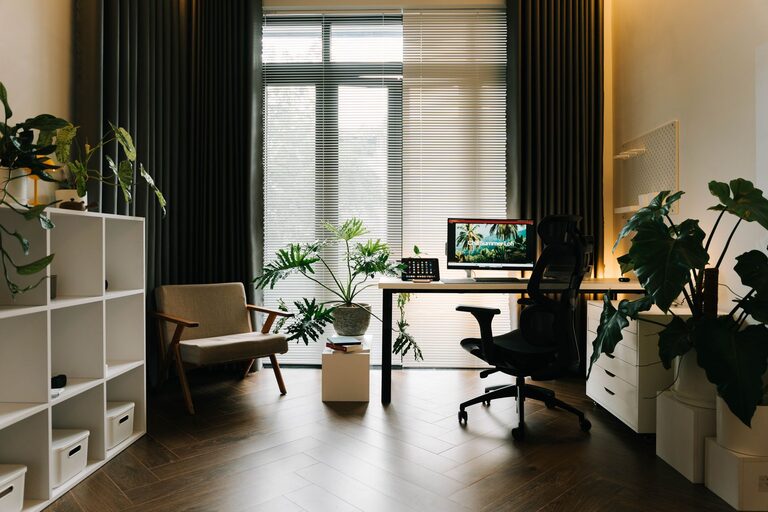
Simple Tips for Organizing a Clutter-Free Home Office Space
Creating a clutter-free home office is essential for maintaining productivity and a clear mind throughout your workday. Whether you work from home full-time or just need a dedicated space for occasional tasks, organizing your office can help reduce stress and keep you focused. Here are simple and practical tips to help you design a neat, clutter-free work environment.
Why a Clutter-Free Home Office Matters
A disorganized workspace can distract you, reduce efficiency, and increase stress. Conversely, a tidy office fosters creativity, facilitates easy access to necessary items, and promotes better work habits. The key is to establish a system that suits your needs and keeps your space manageable.
Step 1: Declutter Before Organizing
Before adding organizers or rearranging furniture, start with decluttering.
How to Declutter Effectively
– Sort Items: Divide everything into categories: keep, toss, donate, or relocate.
– Evaluate Necessity: Ask yourself if each item is essential for your work or inspires you.
– Clear Your Desk: Remove everything from your desk surface so you can start fresh.
– Handle Paperwork: Sort through papers, shredding or recycling what’s unnecessary.
Step 2: Choose the Right Furniture and Layout
Furniture impacts the functionality and appearance of your home office.
Tips for Selecting Office Furniture
– Desk Size: Choose a desk large enough for your computer and workspace but not too big to overwhelm the room.
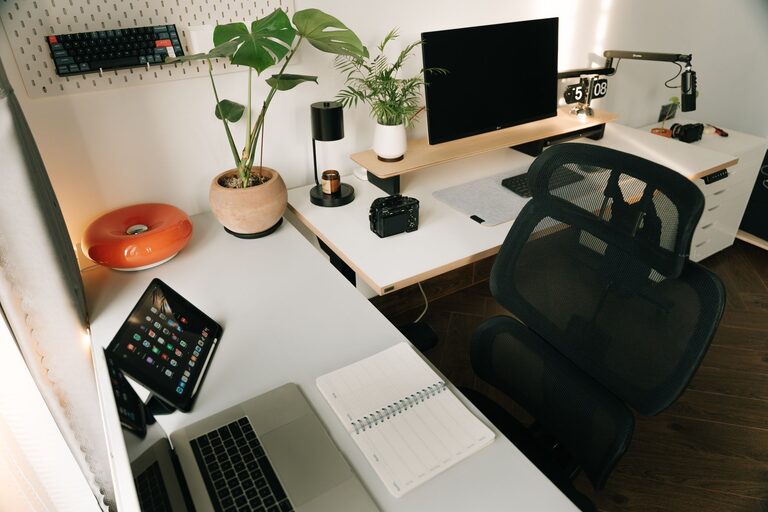
– Ergonomic Chair: Invest in a comfortable chair to support your back during long hours.
– Storage Solutions: Select desks with built-in drawers or combine with filing cabinets to keep items out of sight.
Optimizing Your Layout
– Natural Light: Position your desk near a window to enjoy natural daylight.
– Accessible Storage: Place often-used items within arm’s reach.
– Minimize Distractions: Face your desk away from distractions like TV or loud areas.
Step 3: Use Smart Storage Solutions
Good storage options are vital for maintaining order.
Storage Ideas to Try
– Drawer Organizers: Use trays or dividers for stationery and small office supplies.
– Shelving Units: Install shelves for books, binders, and decorative items.
– Filing Systems: Use file boxes, folders, or vertical file holders to manage documents.
– Cable Management: Use clips, sleeves, or cord boxes to keep cables neat.
Step 4: Keep Electronics in Check
Technology is often the biggest contributor to clutter.
Tips for Managing Electronics
– Use Charging Stations: Dedicate a specific spot to charge phones and devices.
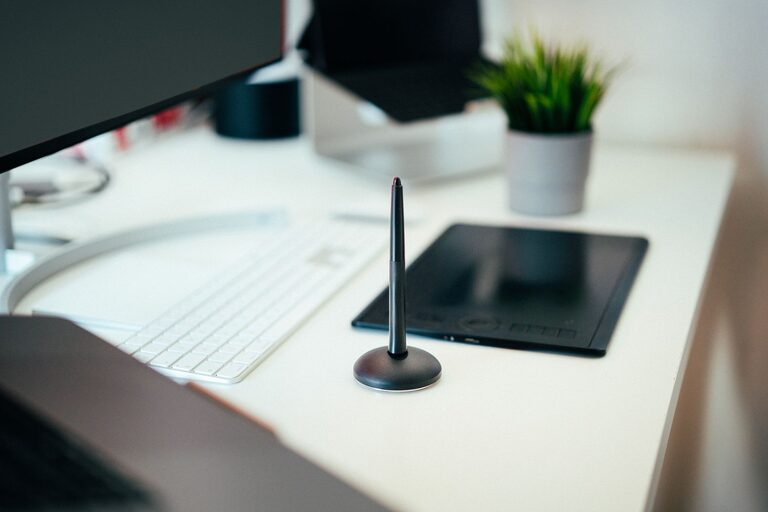
– Wireless Options: Consider wireless keyboards, mice, and headphones to reduce cables.
– Declutter Desk Accessories: Only keep electronics you use regularly on your desk.
Step 5: Establish Daily Habits to Maintain Organization
Maintaining a clutter-free space requires consistent effort.
Helpful Daily Practices
– End-of-Day Cleanup: Spend 5 minutes tidying your desk before finishing work.
– Handle Papers Immediately: File or recycle new papers as they come in.
– Limit Personal Items: Keep personal items minimal so they don’t accumulate.
– Set Reminders: Use calendar alerts to regularly declutter and reorganize.
Step 6: Personalize Without Overcrowding
A welcoming office motivates productivity.
Ways to Add Personality Thoughtfully
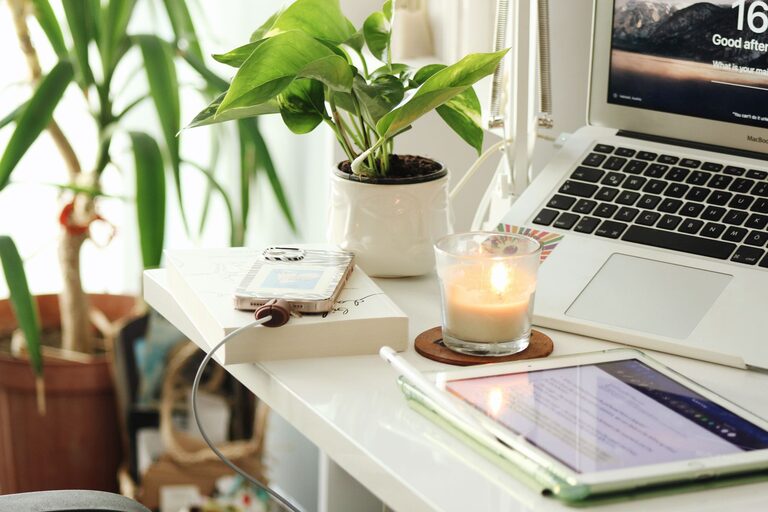
– Add Plants: Small greenery brings freshness without taking up much space.
– Incorporate Art: Hang a piece of art or inspirational print on your wall.
– Use Color: Choose a calming color scheme for office accessories and decor.
– Display Meaningful Items: Limit to a few photos or mementos, avoiding clutter.
Conclusion
Organizing a clutter-free home office is achievable with these straightforward tips. Start by decluttering, then invest in functional furniture and storage solutions. Integrate daily habits to keep your workspace tidy and personalize your office in a way that inspires you without overwhelming the space. With a well-organized office, you’ll set yourself up for improved focus and greater productivity every day.