



Tips for Creating a Relaxing Home Office Environment
Creating a home office that feels relaxing and inviting can make a big difference in your workday. Whether you’re working remotely full-time or need a quiet space for occasional tasks, your home office should be a place where you can focus without feeling overwhelmed. A well-designed home office supports productivity and reduces stress, helping you work smarter and feel better.
This post provides practical tips to help you set up and maintain a relaxing home office environment.
Why a Relaxing Home Office Matters
Working from home has become increasingly common, but it can bring unique challenges like distractions, clutter, and blurred boundaries between work and personal time. Having a relaxing workspace helps you:
– Stay focused on your tasks without feeling anxious
– Maintain a healthy work-life balance
– Feel motivated to work consistently
– Reduce physical discomfort and mental fatigue
Now, let’s explore key steps to create a home office that supports both your work and well-being.
1. Choose the Right Location
Your home office space should be separate from areas of high traffic whenever possible. Here’s what to consider:
– Privacy: Select a quiet corner or room where you can close the door and avoid interruptions.
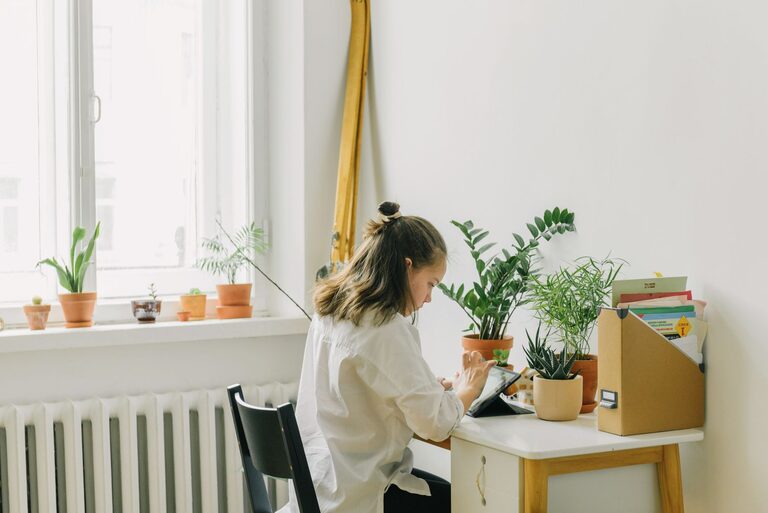
– Natural Light: Position your desk near a window to get natural light, which can boost mood and energy.
– Ventilation: Good airflow keeps the room fresh and helps you feel alert.
– Distance from Distractions: Avoid placing your desk right next to TV or noisy household activities.
If space is limited, use room dividers or screens to create a defined work area.
2. Prioritize Ergonomic Furniture
Comfort is crucial when you’re sitting for hours. Invest in ergonomic furniture to keep your body supported:
– Chair: Choose an adjustable chair with lumbar support. Your feet should rest flat on the floor, and your knees should be at a 90-degree angle.
– Desk: The desk height should allow your forearms to rest comfortably on the surface with elbows at a right angle.
– Monitor Placement: Keep your computer screen at eye level about an arm’s length away to reduce neck strain.
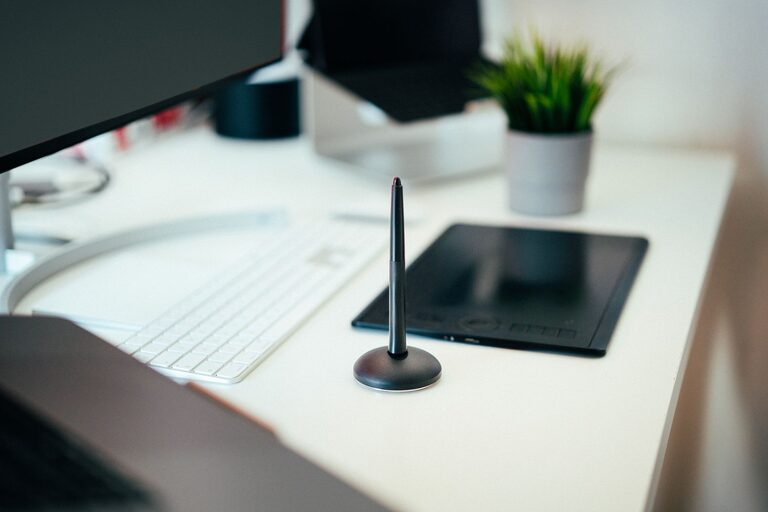
– Keyboard and Mouse: Use accessories that minimize wrist strain; consider a keyboard tray or wrist rest.
Small adjustments to your setup can prevent discomfort and improve your focus.
3. Keep Your Space Organized
Clutter can cause stress and reduce efficiency. Here are strategies for maintaining organization:
– Declutter Regularly: At the end of each workday, clear your desk of unnecessary papers and items.
– Storage Solutions: Use drawers, shelves, and organizers to keep supplies and documents neatly in place.
– Cable Management: Use clips or sleeves to keep cords tidy and prevent tangling.
– Limit Décor: Choose a few meaningful or inspiring items but avoid overcrowding surfaces.
A clean and orderly space helps your mind feel clear and ready to work.
4. Personalize Your Workspace
Adding personal touches makes your office inviting and comfortable:
– Colors: Use calming colors like soft blues, greens, or neutrals on the walls or accessories.
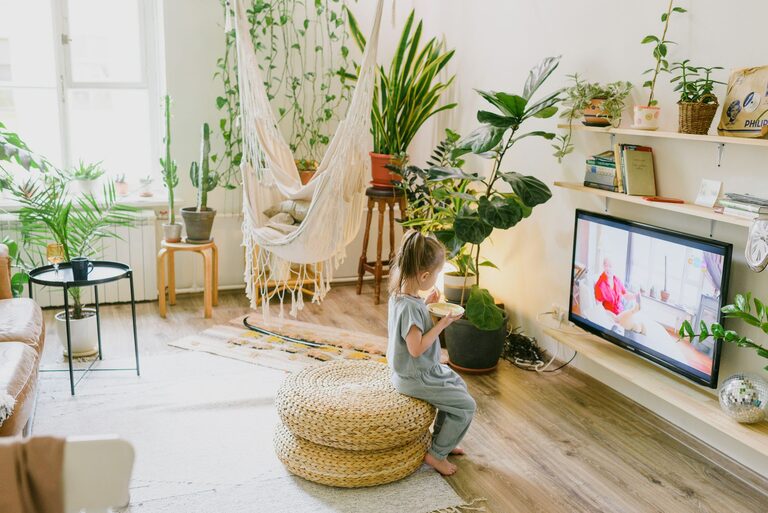
– Plants: Incorporate greenery to improve air quality and create a more relaxing atmosphere.
– Artwork or Photos: Display images that inspire or bring joy.
– Comfort Items: Have a cozy throw blanket or cushioned floor mat if you like.
Aim for a balance between professionalism and comfort.
5. Control Lighting
Proper lighting reduces eye strain and creates a soothing mood:
– Layered Lighting: Combine natural light with ambient (general), task (focused), and accent (decorative) lighting.
– Adjustable Lamps: Have a desk lamp with adjustable brightness and direction for detailed work.
– Avoid Glare: Position screens and lights to minimize reflections and harsh contrasts.
– Warm Light Bulbs: Use bulbs with a warm color temperature to create a cozy feel during late hours.
Good lighting supports productivity and protects your eyes.
6. Manage Noise Levels
Noise distractions can disrupt concentration and increase stress. Consider these tips:
– Soundproofing: Use rugs, curtains, and cushions to absorb sound.
– Headphones: Invest in noise-canceling headphones if you need to block out external sound.
– White Noise: A white noise machine or app can create consistent background sound that masks interruptions.
– Set Boundaries: Communicate with household members about your quiet work hours.
A quiet environment helps you stay calm and focused.
7. Maintain Good Air Quality
Fresh air is essential for comfort and alertness:
– Ventilate Daily: Open windows when possible to circulate air.
– Air Purifiers: Consider an air purifier if your space lacks ventilation or has allergens.
– Plants: As mentioned earlier, many houseplants help improve air quality naturally.
Breathing clean air can increase productivity and reduce fatigue.
8. Establish a Routine and Boundaries
Finally, a relaxing workspace also depends on how you use it:
– Set Work Hours: Define clear start and end times to create structure.
– Take Breaks: Stand up, stretch, or take short walks to refresh your mind.
– Limit Work Materials After Hours: Store work items away after you finish for the day.
– Create Rituals: Begin and end your workday with a consistent routine to signal transitions.
Healthy habits complement the physical environment to keep stress in check.
—
Final Thoughts
Designing a relaxing home office is about making intentional choices that support your well-being and productivity. By creating an inviting space with good ergonomics, lighting, organization, and atmosphere, you can enjoy working from home more and reduce daily stress. Take small steps and personalize your space to find what works best for you.
A calm, organized, and inspiring home office can make all the difference in your workflow and overall happiness. Start making changes today, and watch how a relaxing environment transforms your work experience!